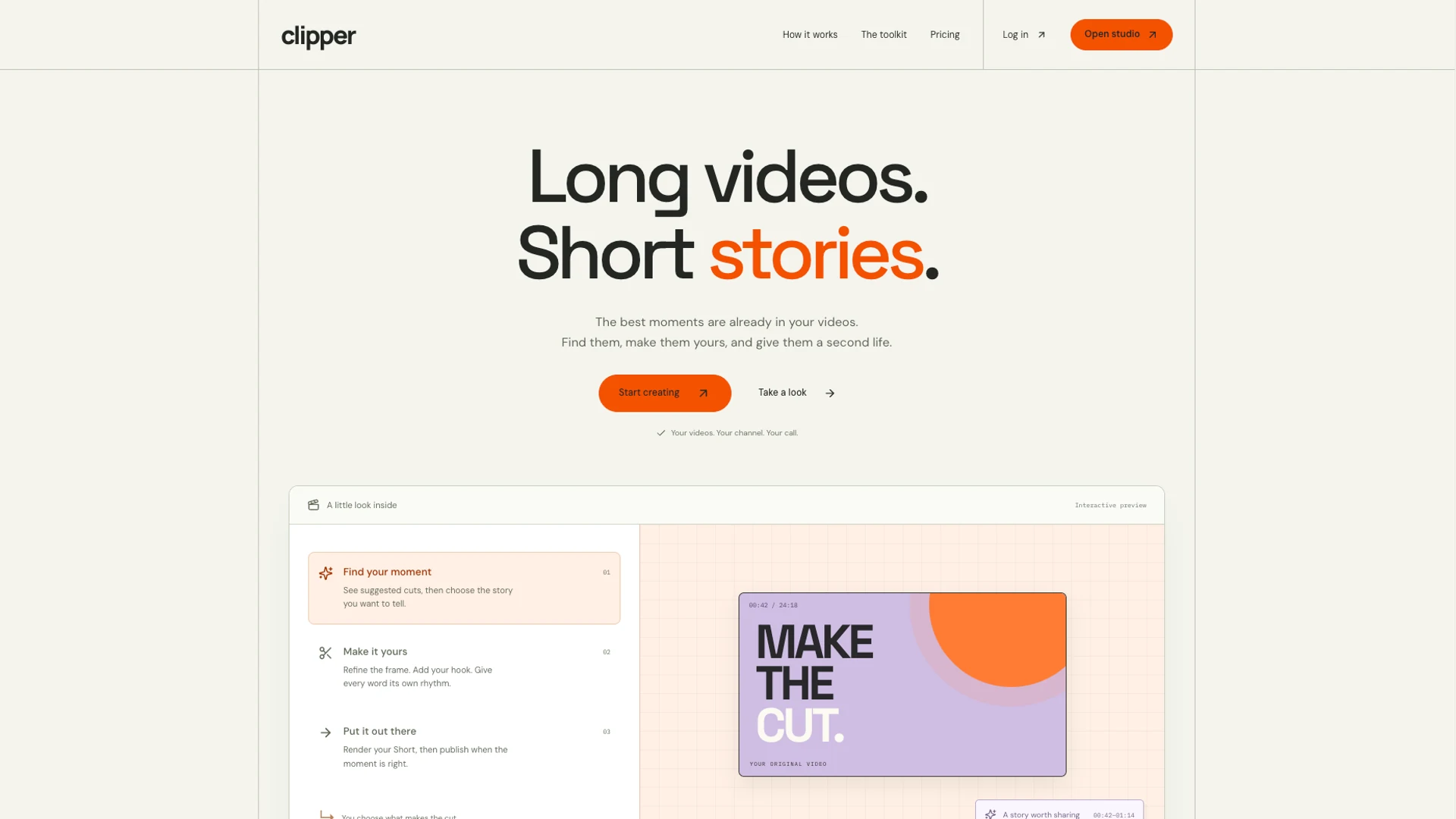
Track production through several stages
Turning a long video into short content involves selecting passages, preparing the format, adding subtitles, rendering and organizing publication. Each clip can be at a different stage.
Clipper Studio brings that workflow into an interface. Automation becomes part of a sequence of tasks whose progress the user can follow.
From source video to YouTube
1. Find source videos
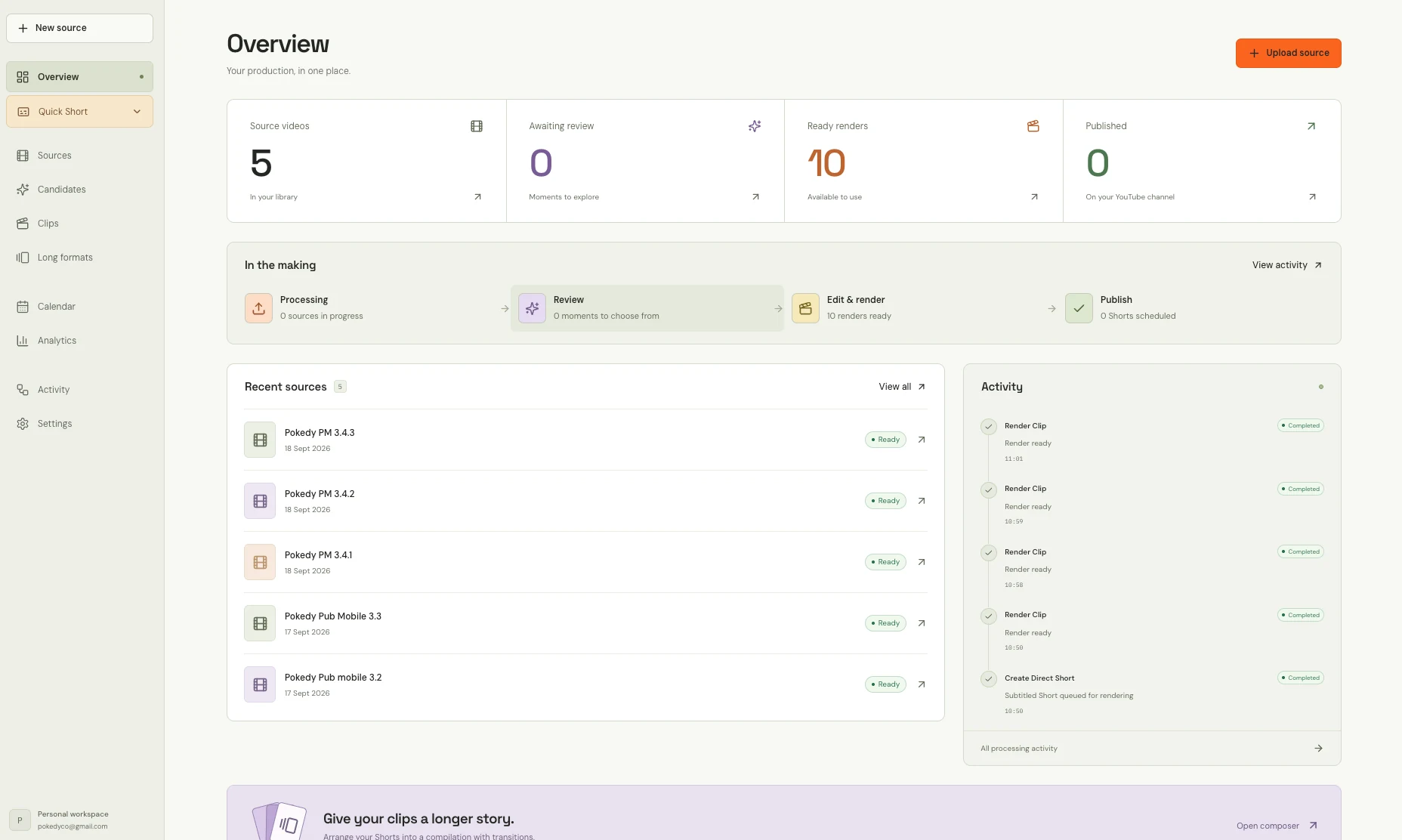
Sources are the starting point for production. The dashboard provides an overview of the available videos.
2. Review excerpts
The tool helps identify promising passages. A review stage preserves the role of editorial choice.
3. Prepare and render short formats
Vertical editing and subtitles are part of the workflow. Available renders are distinguished from clips still awaiting review.
4. Schedule publication
YouTube publication can be scheduled. A calendar and production overview support this final stage.
Make the stages visible
The dashboard screenshot distinguishes source videos, clips awaiting review, ready renders and publications. An activity feed also shows production operations.
This separation illustrates a useful automation design principle: show where each item stands and what needs to happen next.
Apply the same approach to an SME workflow
Your business does not need to involve video to have a similar sequence. An incoming file, information to check, a document to prepare and a final transfer also form a workflow.
We describe that sequence, identify rule-based actions, human decisions and exceptions, then examine available tools, access and tracking needs. The solution can evolve as another step or need appears.
Automate a workflowProduct screenshots