Keep the context between work and invoicing
An assignment involves several records: a client, a project, work sessions and information for invoicing. When these remain in separate files, they need to be reconciled to understand the activity.
Kronoma brings them into a shared application. The design question becomes a workflow question: how can a user find the work done for a client and prepare the next step using the available records?
Three steps in one application
1. Organize clients and projects
Assignments sit within the context of the relevant client, providing a shared starting point for administrative work.
2. Find work sessions
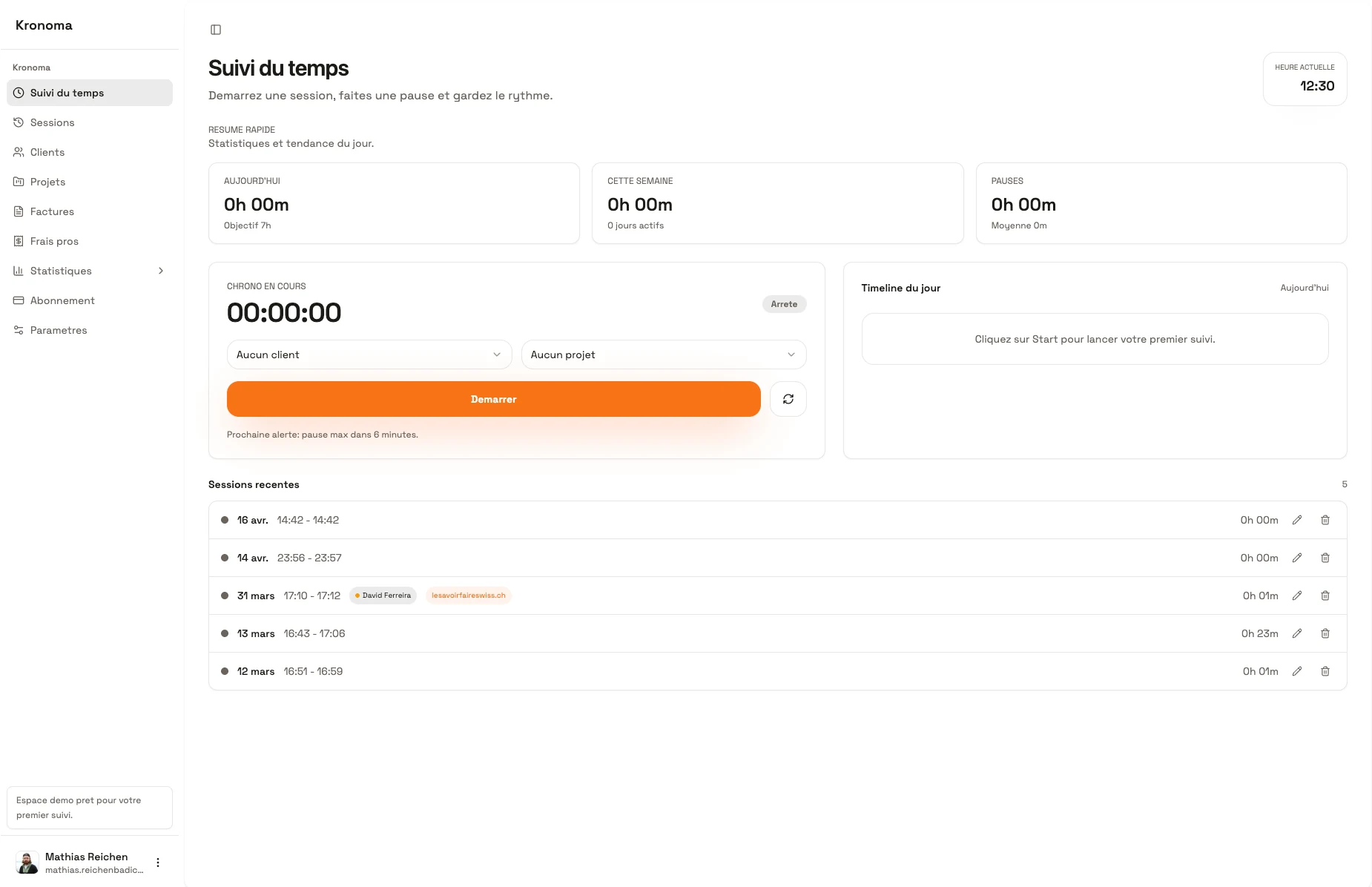
The timer and session history make time records available by client and project.
3. Prepare invoices
Invoicing features are part of the application, allowing users to continue administrative work with their operational information.
What the interface shows
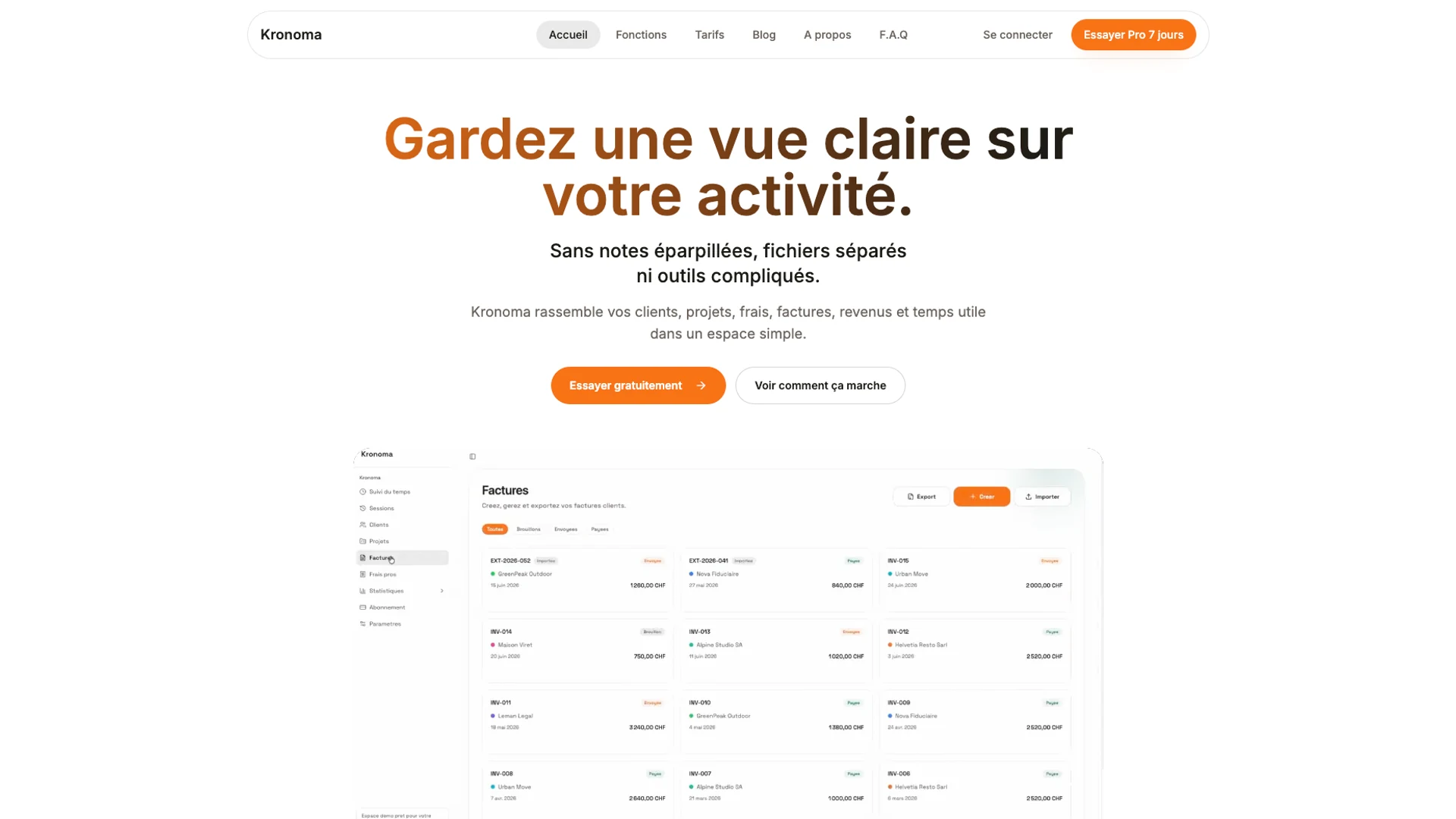
The screenshots show the product home page and dashboard, including time by client and project, a timer and session history. They show how the application organizes the information.
What this example brings to your project
You may need different features. The useful question is which records your team must keep connected: a request and its documents, a service visit and its report, or an order and its progress.
BSAE first checks whether an existing product fits. Where a dedicated application is justified, an initial version can cover a complete workflow and then evolve as new needs arise.
Build a business applicationCompare SaaS and custom softwareProduct screenshots